Get Help
Fall registration is open. View hours for the Schott and Wake Welcome Centers below.
Download guides to our my.sbcc.edu portal, the registration and applications processes,
how to drop classes, etc.
SELF-HELP GUIDES
Contact us by email
Questions are responded to on the same day or within 24-48 hours Monday - Friday.
Contact us by telephone
805-683-8201
Telephone hours of operation are the same as our In-person hours.Welcome Center Hours of Operation
Schott Campus
(Schott Campus Map)
Monday: 9:00 am - 5:15 pm
Tuesday: 9:00 am - 5:15 pm
Wednesday: 9:00 am - 7:15 pm
Thursday: 9:00 am - 5:15 pm
Friday: 8:00 am - 4:15 pm
Wake Campus
(Wake Campus Map)
Monday: 9:00 am - 5:15 pm
Tuesday: 9:00 am - 5:15 pm
Wednesday: 9:00 am -7:15 pm
Thursday: 9:00 am - 5:15 pm
Friday: 8:00 am - 4:15 pm
Self-Help Step-by-Step Guides
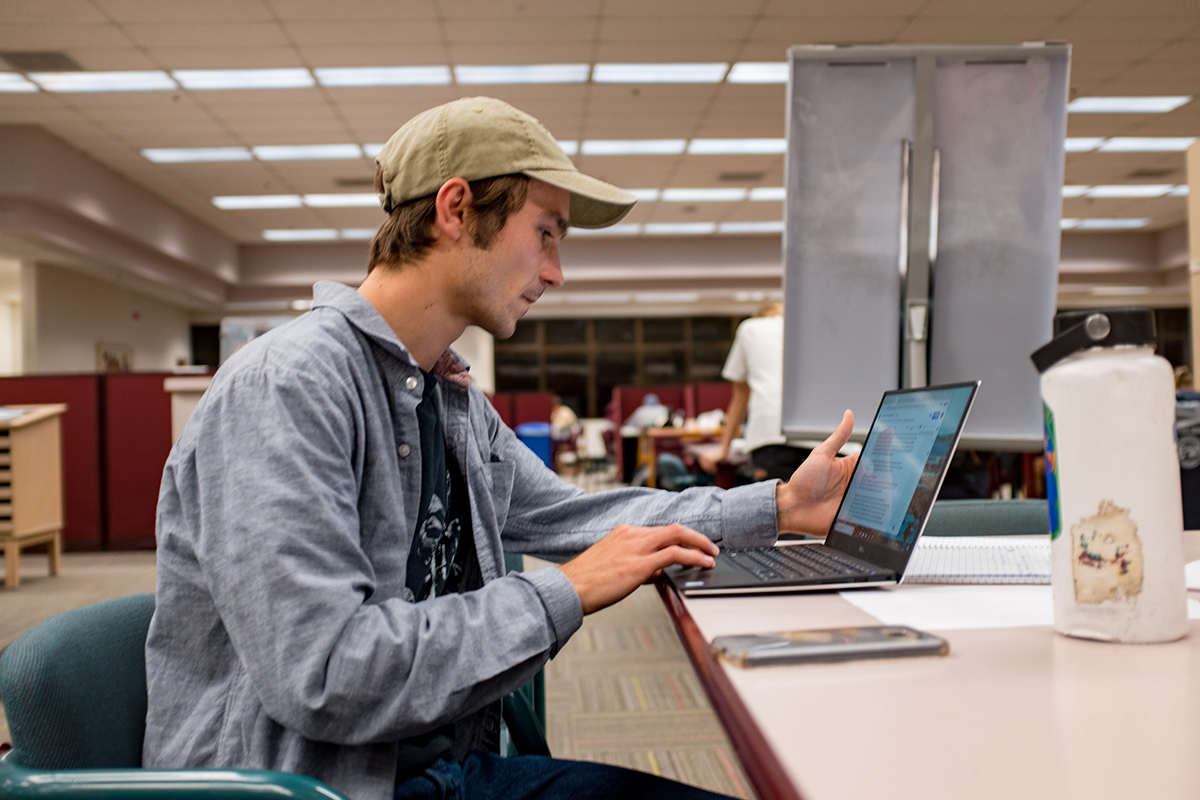
The below guides provide “click-by-click” instructions with pictures and easy to follow instructions. Use these guides to complete any of the listed enrollment steps.
-
My.SBCC.edu Email and Portal Guides
-
How to Apply Online for Noncredit Classes
-
How to Search Online for Noncredit Classes
-
How to Register for Noncredit Classes
-
How to Complete Action Items
-
How to Look Up Your Class Schedule
-
How to Drop a Class
-
Cómo Registrarse en Clases
-
Cómo Completar Action Items
-
Cómo Encontrar su "Class Schedule"
-
Cómo Darse de Baja de Clases
-
Guide to Usernames and Passwords for Noncredit Classes